
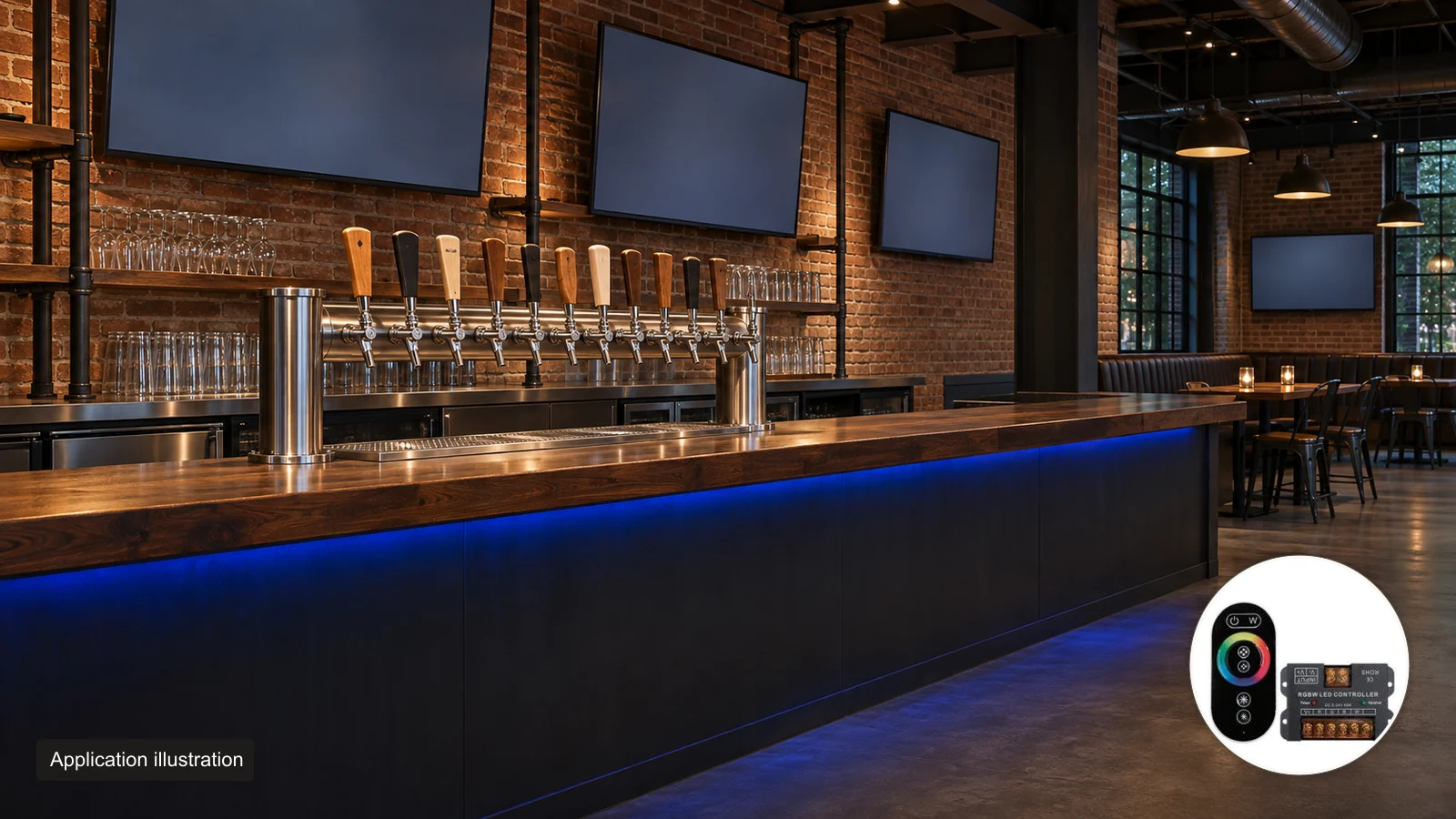
Start a multi-zone RF installation by deciding which lights should change together. A zone is one group the user controls. An electrical channel is an output for one part of a strip, such as the white channel on RGBW. Compare the available control options before choosing a remote and receivers.
Decide what each zone must control
List the lights people need to turn on, dim or change separately. Shelves across the same display can share a zone if the desired behaviour is identical. A merchandise display and its surrounding accent light often need separate scene levels. Name the zones the way staff will recognise them.

Map the remote, receivers and DC feeds
Give each receiver a location and an output mode. A common remote can control more than one receiver only where the pairing system supports that group. Treat the load on each receiver and on each power supply as separate checks.
| Zone | Operating goal | Include in the receiver schedule |
|---|---|---|
| 1 · Display shelves | Dim shelves together in normal operation. | Fixed-white PWM mode, supply voltage and W/m for each shelf. |
| 2 · Feature wall | Select colours independently of the shelves. | Actual RGB or RGBW mode, load per channel and total. |
| 3 · Counter line | Keep a separate level for after-hours use. | Location, accessible reset point, load and desired power-on behavior. |
Confirm pairing and test the zones
Need LED strips for your order?
Tell us the strip type or model, key specifications, quantity in metres and destination country. We can share actual product photos, check available CE/RoHS documents for the selected model, and suggest compatible power supplies or controllers.
Check the exact RF system family, supported receivers per zone and pairing or reset method. Similar remotes or an identical frequency label are insufficient for a compatibility decision. Use the maker’s instructions, such as the grouping section of the GM Lighting RF controller specification, as an example of the documentation to request.
Before enclosure or handover, test individual zones, group commands, minimum usable dimming and recovery after a power cycle. Keep the selected model and its pairing record with the installation.
Prepare a quote-ready zone schedule
Record each zone’s strip model, voltage, metres per circuit, W/m, required control mode, receiver locations and expected wall controls. For an example of grouping cabinet circuits, see cabinet power and control zones. For RGBW receivers, use the per-channel sizing example.
